Konia
Download App
For cycling clubs

One app for your cycling club

Plan group rides, share routes, set power and speed targets, and keep members and kit orders in one place.

01

Plan the group ride

Who is riding, where you meet and which route, in one place.
  • Recurring rides, with one week changed without touching the rest
  • A saved meeting place with its photo and map link
  • One tap to join, and the faces of who is riding show on the list
  • Cancel a ride and everyone signed up gets a notification
All details4
  • An equipment list on each ride, from helmet to pump and repair kit
  • Free time, for a long ride members do at their own hour that day
  • Comments on each ride, for questions before you leave
  • A calendar feed that adds your rides to your phone calendar and stays in sync
Guide: Schedule a training
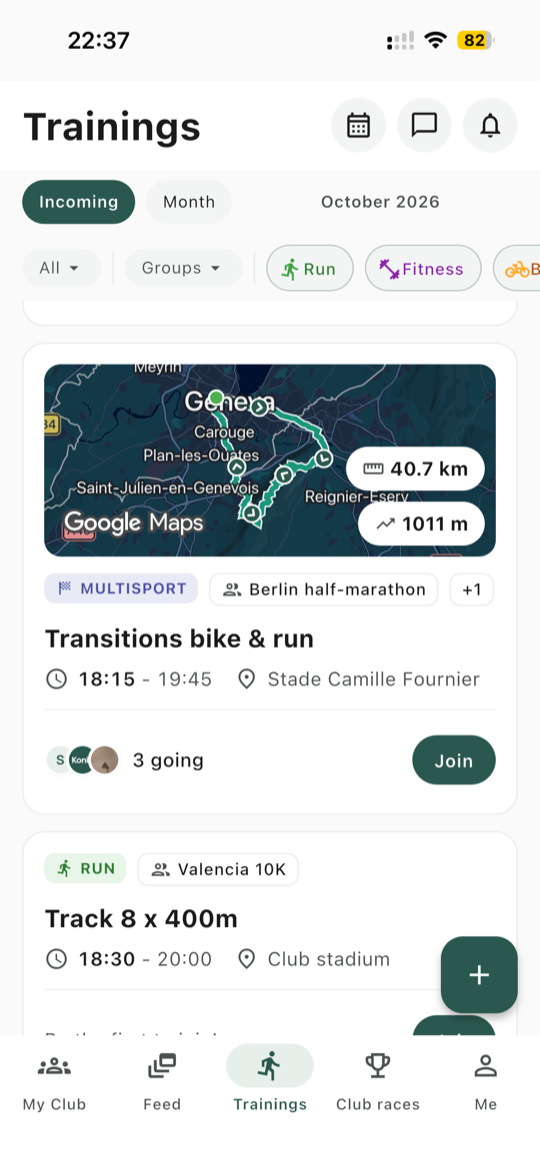
Trainings list: a bike and run session with its 40.7 km route map, who is going and a Join button
02

Share the route

Add a GPX file to a ride, and everyone sees the same route before you leave.

  • The route on a map, with distance, elevation gain and direction arrows
  • Full screen, with map, terrain and satellite views
  • Send route to my watch adds it to your Garmin Connect courses, and your watch gets it at its next sync
  • Members can download the GPX file for their own device
Good to know

Only Garmin Connect takes routes from Konia. On COROS, Suunto or Apple Watch, members download the GPX file instead. A very long route can also be refused as too long for Garmin Connect.
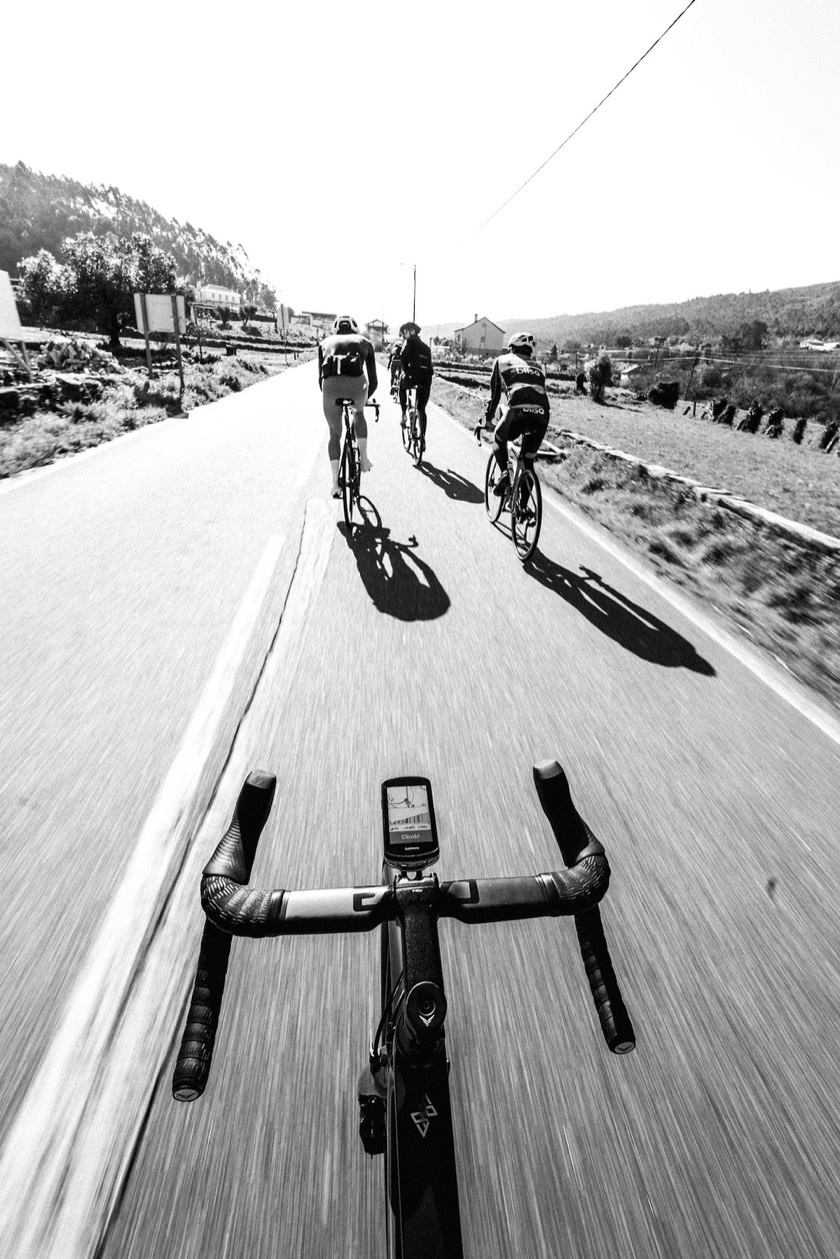
View over the handlebars of a road bike: a bike computer shows the route, with three riders ahead
03

Set power and speed targets

Structured workouts for hill repeats, threshold blocks and winter sessions. Each member sends them to their own watch.

  • A speed range on each step, in km/h or mph
  • Power in watts, or a power zone from 1 to 7
  • Heart rate zones from 1 to 5
  • Repeats, so five hill climbs stay one block

Garmin Connect

Speed, watts and zones arrive on each step, and zones use your own zones in Garmin Connect.

COROS

Watts and zones arrive as targets. A speed target shows as text in the workout description, not as a gauge.

Suunto

Speed and watts arrive as targets. A zone target shows as text, not as a gauge.

Apple Watch

Each step arrives with its target, but Apple decides which kinds it accepts for cycling. If it ignores one, the step still arrives with its distance or duration.

Guide: Build a structured workout Guide: Send a training to your watch
04

Split the ride by speed

Training groups keep each speed group informed, without extra chats.

  • A group for each speed or goal, and coaches decide who is in it
  • A ride for one group notifies only its members
  • Posts and messages can go to one group, and members can filter the ride list to their own
  • Stats for coaches: participation, attendance by group and inactive members
Good to know

Groups decide who is notified, not who can attend. A member outside the group still sees the ride and can sign up.
Guide: Set up training groups
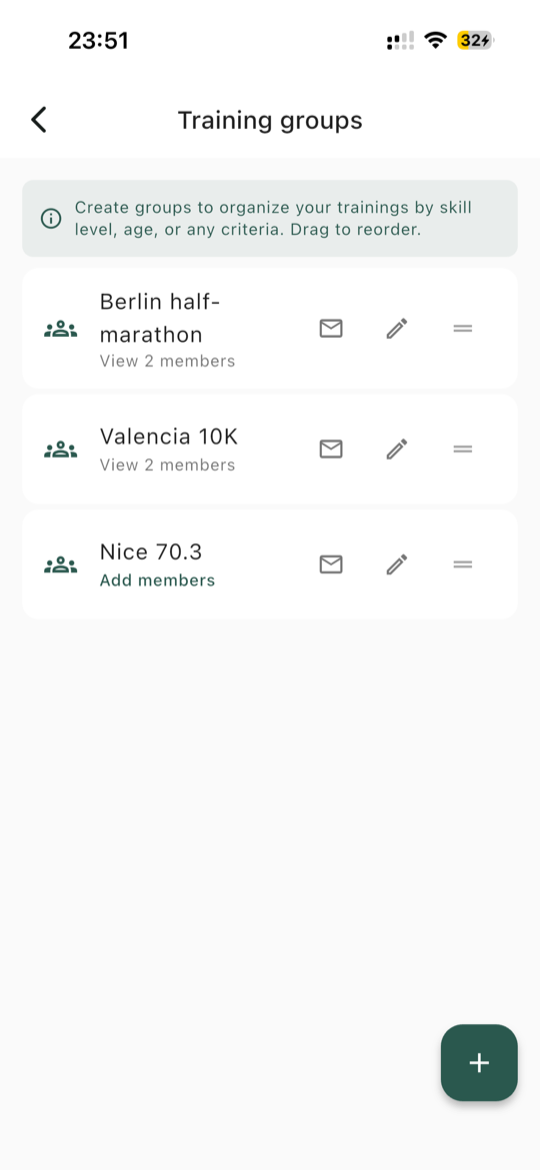
Training groups: a list of groups and their members
05

Take the club to sportives and races

Add the event once, and everyone has the same details on the day.
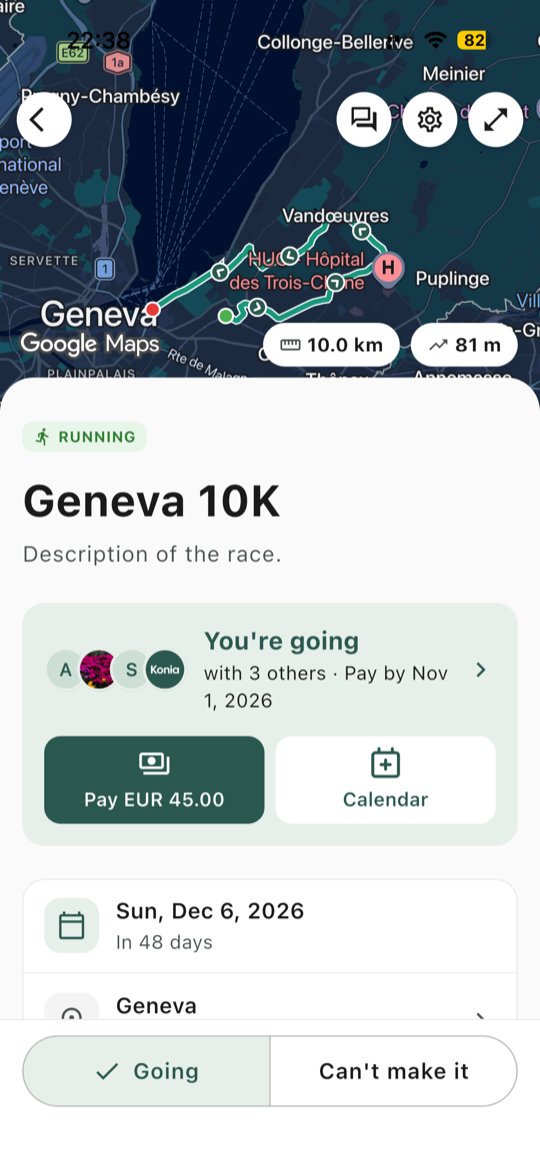
  • Club races with a list of who is going, and the route on a map
  • Meeting point, departure, contact person and accommodation for the trip
  • Entry fees and trip costs collected in the app, and paid straight to your club
  • After the event, everyone adds their finish time, distance, position and category to one list
Guide: Plan a club race
Club race detail: a member who is going pays the 45 euro entry fee in the app
06

Kit, licences and fees

The admin every club has to do, in the same app.
  • Kit orders on a post: one price or several options, and a list of who has paid
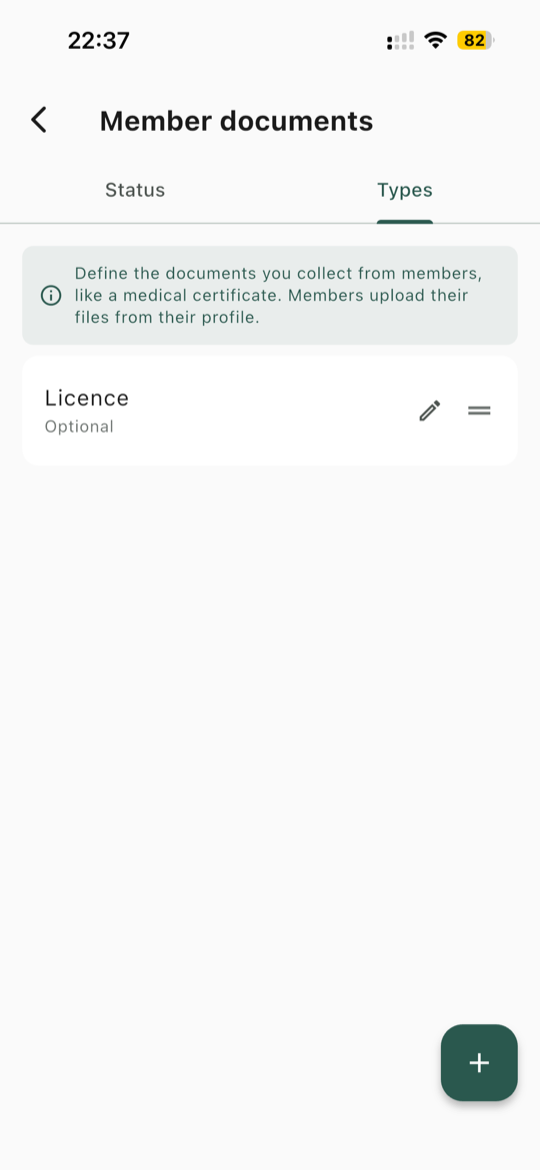
  • Licences and medical certificates: members upload their own, and coaches see what is valid, expiring soon or missing
  • Renewal dates, email reminders that show the fee, and payment in the app
  • Emergency contacts that only coaches can see, and call in one tap
Guide: Collect member documents
Member documents: the club lists the documents it collects, here a licence
07

Common questions

What to know before you move your club over.

Which club type should a cycling club choose?

Cycling. New trainings then start on cycling, it comes first when you add a race, and the other sports stay available.

Does Konia work with a bike computer?

Konia sends workouts and routes to your Garmin Connect account, and what your Garmin devices pick up from there is up to Garmin Connect. There is no link to Wahoo or other bike computers, but members can download the GPX file.

Does Konia need our FTP?

No. Konia stores nobody's FTP, threshold or max heart rate. Only the zone number goes to the watch, and each rider's own settings decide what it means. A target in watts is the same number for everyone.

Does Konia read our rides?

No. Konia only sends workouts and routes, and never reads your activities or health data. Strava stays the place for your ride history.

Can we sell club kit?

Yes, with a payment request on a post: one price, or several options to choose from. Konia is not a shop, but you see who has paid.

Does Konia suit gravel and mountain bike clubs?

Yes. Konia has one cycling type for road, gravel and mountain bike alike, so the sport does not change anything in the app.

Is Konia free?

Konia is free to download. If you collect money by card, Stripe's processing fees apply, and Konia takes nothing by default.

See everything Konia does for clubs

Trainings, races, members, payments and the Coach Web Portal, in detail.
See For clubs
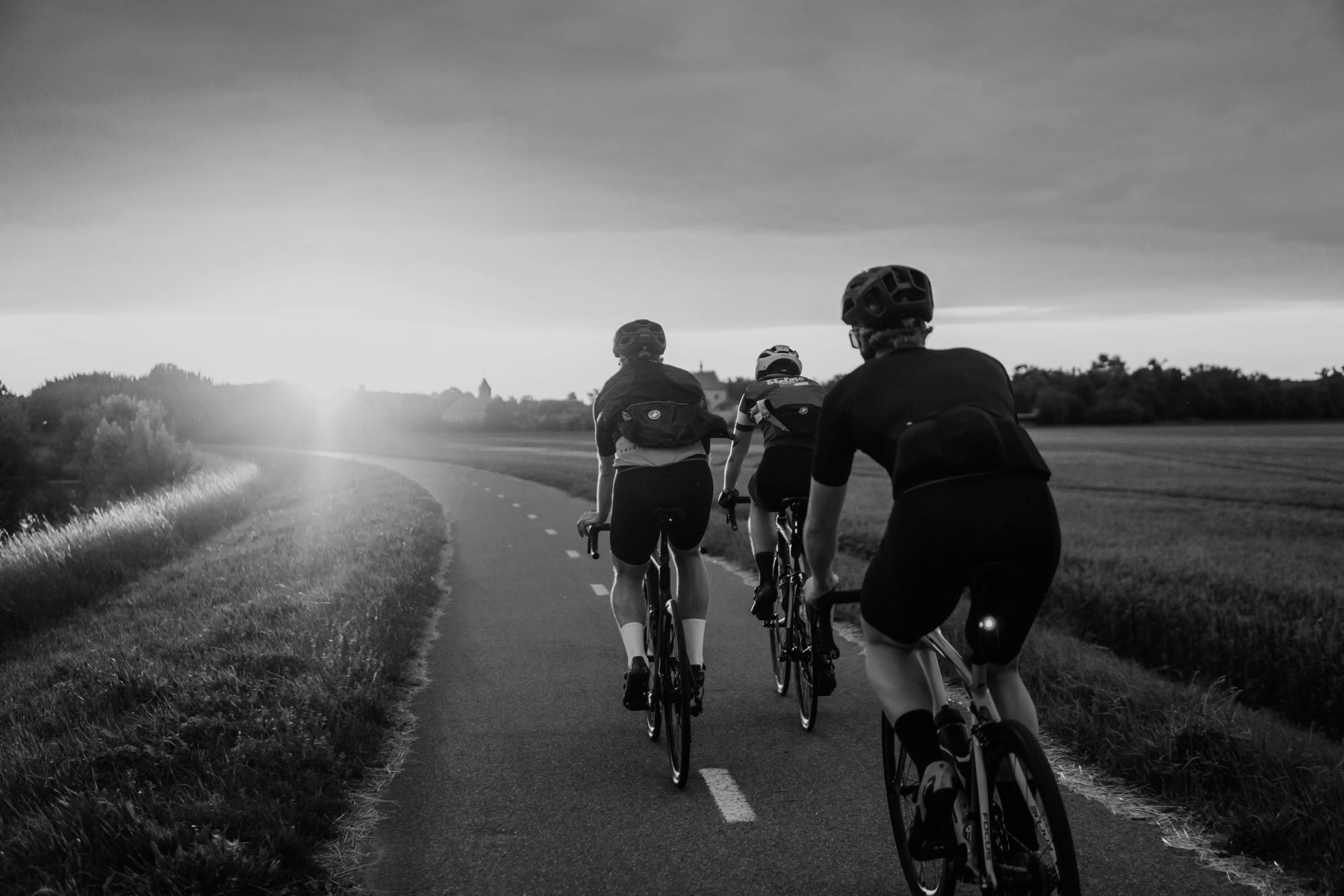
Two cyclists riding fast on a road

Bring your cycling club to Konia

Konia is free to download, on iOS and Android.