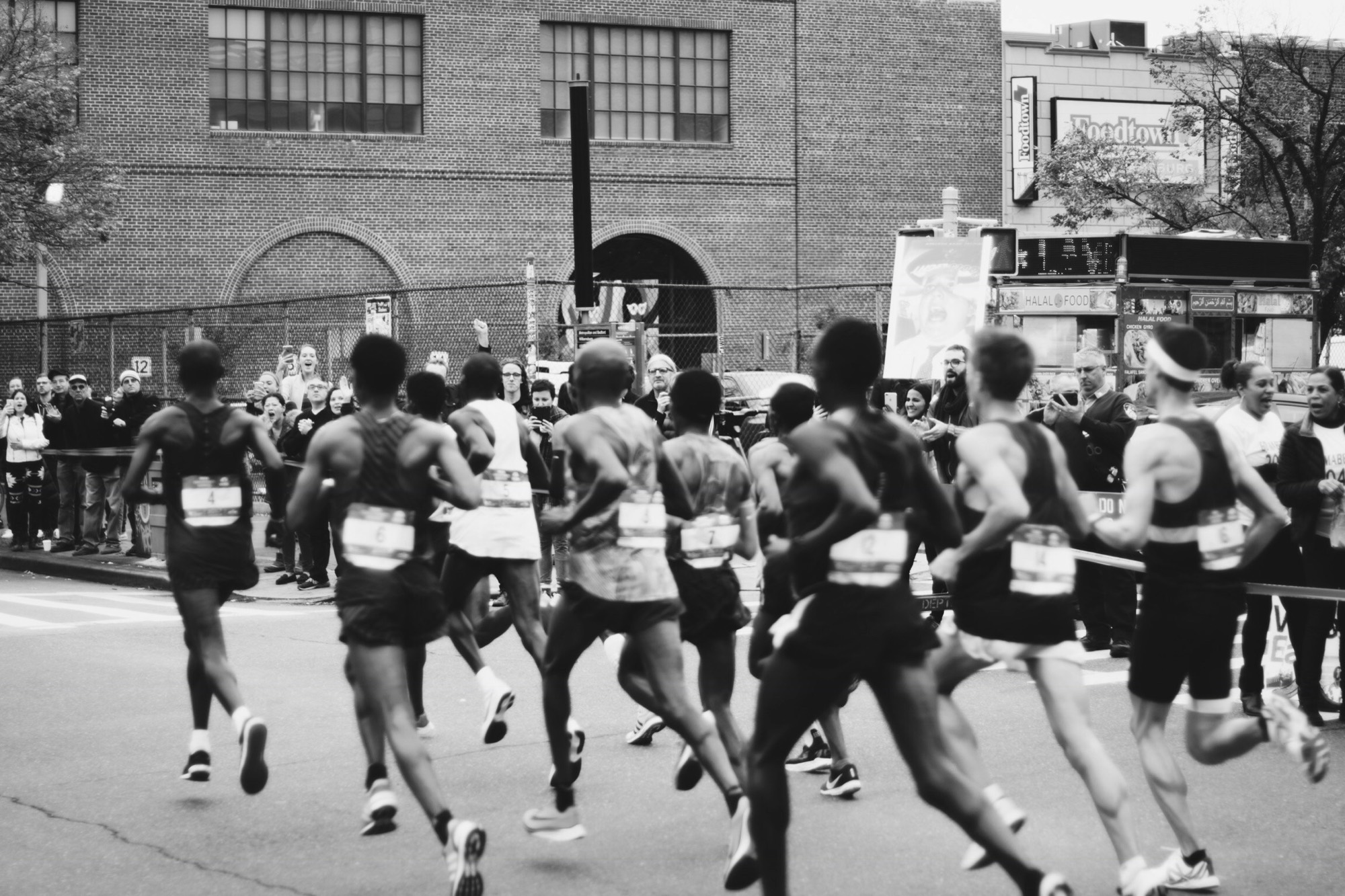
Your club turns up to a race, everyone finishes, and the times scatter across three WhatsApp threads and somebody's camera roll. Logging your result puts it on the club's board for that race, where it stays.
Where to add it
Results only exist for races that have already happened. On an upcoming race there is nothing to fill in yet, just a note telling you to come back afterwards.
Once the date has passed, two routes lead to the same form:
- From the race. Open it and the Results section is now at the top, above the participants. Tap Add my result.
- From your profile. Open My race results, which lists every past club race. Races you signed up for are at the top, but any past race is fair game, so a race you forgot to RSVP to is still there.
What to fill in
Every field is optional. Fill in one and you can save; fill in all six and the board reads properly.
- Distance, free text, because "10K" and "Olympic" and "Half marathon" all mean something different depending on the sport.
- Finish time.
- Position, your overall place.
- Total participants, which is what turns "42nd" into "42nd of 800".
- Position in category and Category, for age-group placings like M40-44.
If you only fill in one thing, make it the finish time. Positions without a field size mean little, and the board sorts finishers with a position first and everyone with a time after, so a time always shows up.
Saving a result also signs you up to that race. The form says so before you save. It is the sensible behaviour, since you clearly were there, but it does mean a race you never formally joined will show you as a participant afterwards.
Changing or removing it
Come back any time and tap Edit result. Editing notifies nobody, so correcting a typo at midnight will not buzz the whole club.
Clear result removes the numbers but leaves you listed as a participant, which is usually what you want if you started but did not finish.
Your coaches can also enter or correct a result for you, which is how times collected at the finish line get in without everybody typing their own.
Where your result shows up
On the race, in the Results section, visible to the whole club. Finishers with a position come first, with the top three tinted for the podium, then everyone who logged a time.
Your three most recent results also appear on your profile, so a new member can see what you have been doing rather than a blank page.
One board per race, not one per distance. If your club ran the 10K and the half at the same event, everyone appears on the same list ranked by position. The distance you entered is shown next to your name, so the list still reads correctly, but it is not split into separate tables.
Votre club se déplace sur une course, tout le monde termine, et les temps se dispersent entre trois conversations WhatsApp et la galerie photo de quelqu'un. Enregistrer votre résultat le place sur le tableau du club pour cette course, où il reste.
Où l'ajouter
Les résultats n'existent que pour les courses déjà passées. Sur une course à venir, il n'y a encore rien à remplir, juste une note vous invitant à revenir après.
Une fois la date passée, deux chemins mènent au même formulaire :
- Depuis la course. Ouvrez-la : la section Résultats est désormais en haut, au-dessus des participants. Touchez Ajouter mon résultat.
- Depuis votre profil. Ouvrez Mes résultats de course, qui liste toutes les courses de club passées. Celles auxquelles vous vous étiez inscrit apparaissent en haut, mais n'importe quelle course passée est accessible : une course que vous aviez oublié de rejoindre y figure aussi.
Ce qu'il faut remplir
Tous les champs sont facultatifs. Un seul suffit pour enregistrer ; les six donnent un tableau qui se lit vraiment.
- Distance, en texte libre, car « 10K », « Olympique » et « Semi-marathon » ne veulent pas dire la même chose selon le sport.
- Temps final.
- Place, votre classement général.
- Nombre de participants, ce qui transforme « 42e » en « 42e sur 800 ».
- Place dans la catégorie et Catégorie, pour les classements par âge du type M40-44.
Si vous ne remplissez qu'une chose, remplissez le temps. Une place sans taille de peloton ne dit pas grand-chose, et le tableau classe d'abord ceux qui ont une place puis tous ceux qui ont un temps : un temps apparaît donc toujours.
Enregistrer un résultat vous inscrit aussi à cette course. Le formulaire le dit avant l'enregistrement. C'est le comportement logique, puisque vous y étiez, mais cela signifie qu'une course que vous n'aviez jamais rejointe vous affichera ensuite comme participant.
Modifier ou retirer
Revenez quand vous voulez et touchez Modifier le résultat. La modification ne notifie personne : corriger une faute de frappe à minuit ne fera pas vibrer tout le club.
Effacer le résultat retire les chiffres mais vous laisse dans les participants, ce qui est généralement souhaitable si vous avez pris le départ sans finir.
Vos coachs peuvent aussi saisir ou corriger un résultat pour vous : c'est ainsi que les temps relevés à l'arrivée entrent sans que chacun ait à les taper.
Où apparaît votre résultat
Sur la course, dans la section Résultats, visible par tout le club. Ceux qui ont une place viennent d'abord, les trois premiers teintés pour le podium, puis tous ceux qui ont enregistré un temps.
Vos trois résultats les plus récents apparaissent aussi sur votre profil, pour qu'un nouveau membre voie ce que vous faites plutôt qu'une page vide.
Un tableau par course, pas un par distance. Si votre club a couru le 10 km et le semi sur la même épreuve, tout le monde figure sur la même liste, classé par place. La distance que vous avez saisie s'affiche à côté de votre nom, la liste reste donc lisible, mais elle n'est pas séparée en tableaux distincts.
Euer Verein fährt zu einem Wettkampf, alle kommen ins Ziel, und die Zeiten verteilen sich auf drei WhatsApp-Verläufe und irgendjemandes Fotoalbum. Dein Ergebnis einzutragen bringt es auf die Ergebnisliste des Vereins für diesen Wettkampf, und dort bleibt es.
Wo du es einträgst
Ergebnisse gibt es nur für Wettkämpfe, die schon stattgefunden haben. Bei einem kommenden Wettkampf ist noch nichts auszufüllen, nur ein Hinweis, danach wiederzukommen.
Ist das Datum vorbei, führen zwei Wege zum selben Formular:
- Vom Wettkampf aus. Öffne ihn, der Abschnitt Ergebnisse steht jetzt oben, über den Teilnehmenden. Tippe auf Mein Ergebnis hinzufügen.
- Aus deinem Profil. Öffne Meine Wettkampfergebnisse, das alle vergangenen Vereinswettkämpfe auflistet. Wettkämpfe, für die du angemeldet warst, stehen oben, aber jeder vergangene Wettkampf ist wählbar, auch einer, bei dem du dich nie angemeldet hattest.
Was du ausfüllst
Alle Felder sind optional. Eines genügt zum Speichern, alle sechs machen die Liste richtig lesbar.
- Distanz, freier Text, denn „10K", „Olympisch" und „Halbmarathon" bedeuten je nach Sportart etwas anderes.
- Zielzeit.
- Platzierung, dein Gesamtrang.
- Teilnehmerzahl, was aus „42." ein „42. von 800" macht.
- Platz in der Kategorie und Kategorie, für Altersklassen wie M40-44.
Wenn du nur eines ausfüllst, nimm die Zielzeit. Eine Platzierung ohne Feldgrösse sagt wenig, und die Liste sortiert zuerst alle mit Platzierung und danach alle mit Zeit, eine Zeit taucht also immer auf.
Ein gespeichertes Ergebnis meldet dich auch für diesen Wettkampf an. Das Formular sagt es dir vor dem Speichern. Das ist sinnvoll, denn du warst offensichtlich dabei, heisst aber: Ein Wettkampf, bei dem du dich nie angemeldet hattest, führt dich danach als Teilnehmer.
Ändern oder entfernen
Komm jederzeit zurück und tippe auf Ergebnis bearbeiten. Ein Bearbeiten benachrichtigt niemanden, ein Tippfehler um Mitternacht lässt also nicht den ganzen Verein vibrieren.
Ergebnis löschen entfernt die Zahlen, lässt dich aber in der Teilnehmerliste, was meist gewünscht ist, wenn du gestartet, aber nicht angekommen bist.
Auch deine Coaches können ein Ergebnis für dich eintragen oder korrigieren, so kommen die im Ziel notierten Zeiten hinein, ohne dass alle selbst tippen müssen.
Wo dein Ergebnis erscheint
Beim Wettkampf, im Abschnitt Ergebnisse, sichtbar für den ganzen Verein. Wer eine Platzierung hat, steht zuerst, die ersten drei in Podestfarben, danach alle mit einer Zeit.
Deine drei jüngsten Ergebnisse erscheinen zusätzlich in deinem Profil, damit ein neues Mitglied sieht, was du machst, statt auf eine leere Seite zu schauen.
Eine Liste pro Wettkampf, nicht pro Distanz. Ist euer Verein bei derselben Veranstaltung 10 km und Halbmarathon gelaufen, stehen alle in einer Liste, sortiert nach Platzierung. Die eingetragene Distanz steht neben deinem Namen, die Liste bleibt also lesbar, sie wird aber nicht in getrennte Tabellen aufgeteilt.